Know where every track stands.
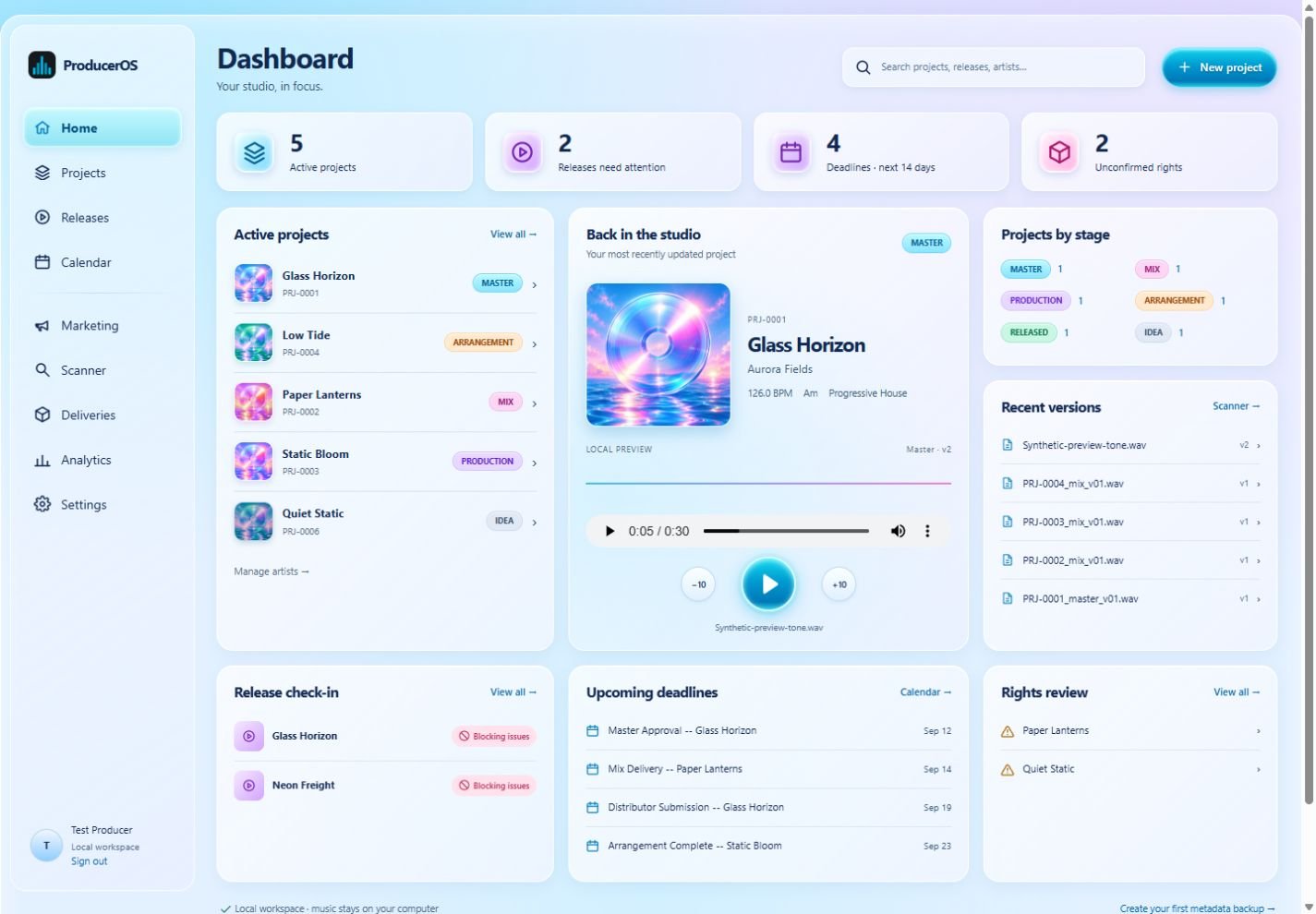
See stages, deadlines and project details together. Come back to a session with a clear starting point.
You made the music.
Give everything around it a home.
Projects, versions, rights and release preparation.
One local workspace for your next finished track.
Music stays on your PC Works offline
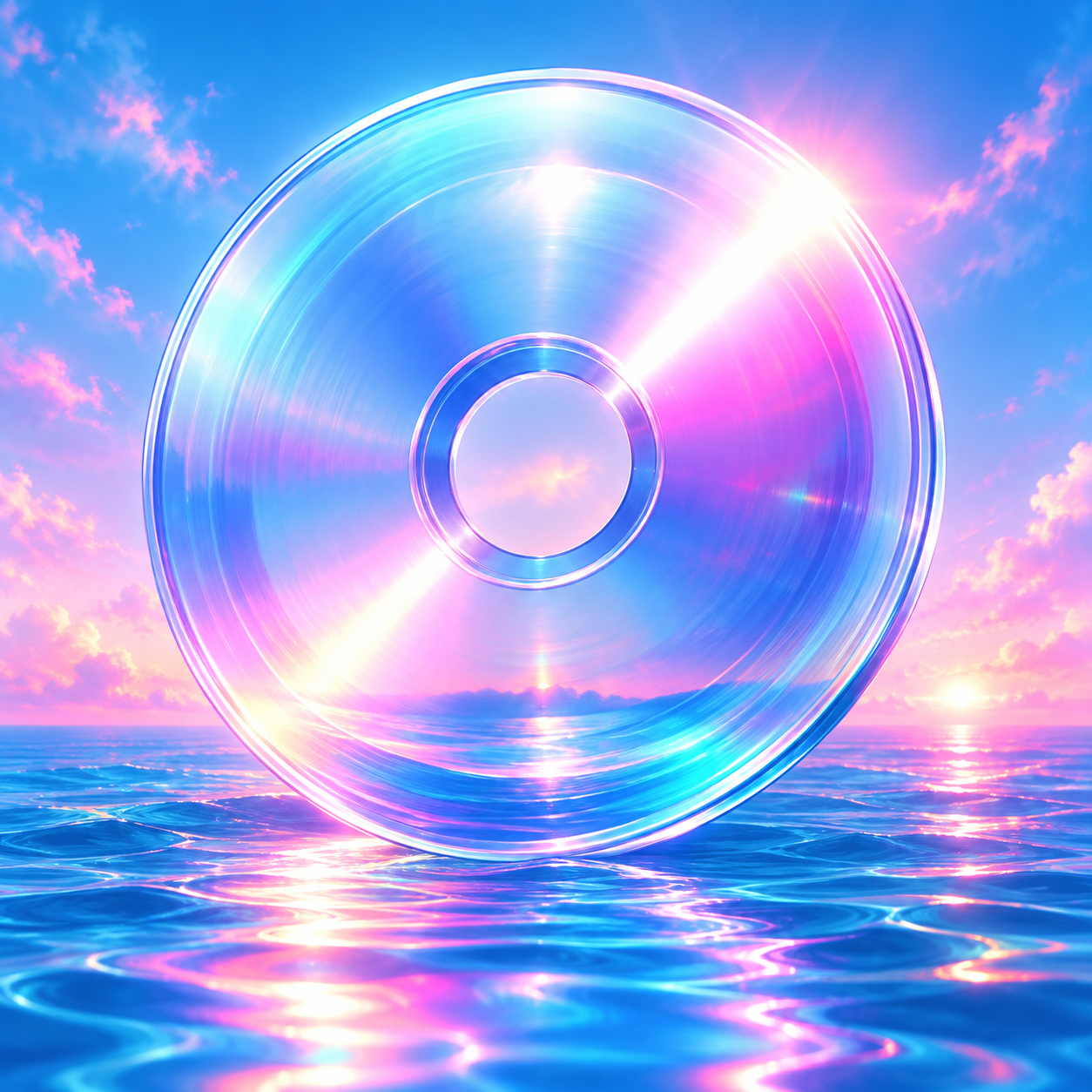
TAKE A LOOK AROUND
Pick a sample project. Move it forward.
See the next steps fall into place.
PROJECT OVERVIEW
MASTERSAMPLE PROJECT
Late-night textures. A brighter finish.
126 BPM A minorNext up: rights & credits.
A simplified preview. These demo checks do not validate a real release.
ROOM FOR THE WHOLE PROJECT
The creative work is yours.
ProducerOS helps organize the rest.
See stages, deadlines and project details together. Come back to a session with a clear starting point.
Register local assets and keep track of versions. Preview supported audio without uploading your library.
Organize rights, credits, artwork and release preparation. Review drafts and deliverables before using them.
BACK TO YOUR MUSIC
The website introduces the app.
The app does its work on your PC.
Get the Windows ZIP below. Choose “Extract All” and keep the entire extracted folder together.
Run ProducerOS.exe. The app opens in your browser, served by your own computer. Create your local login.
Add a project and reference files already on your PC. Try it with a test project first, then make it part of your routine.
READY FOR YOUR FIRST SESSION?
ProducerOS 0.2.1 is an early Windows preview.
Free to try. No subscription or cloud account.
Unsigned preview build. It has not been certified on a clean Windows installation. Extract the full folder and run ProducerOS.exe; this ZIP is not an installer.
A WORKSPACE THAT’S TAKING SHAPE
Small, useful improvements.
Here’s what changed in this preview.
GOOD TO KNOW
No. The desktop app references music files on your computer and previews supported local audio. This website’s demo uses bundled sample data and audio. It does not ask for access to your music.
No website account or subscription is needed for this preview. You create a local login inside ProducerOS. The desktop app works offline after installation.
No. Keep making music in your DAW. ProducerOS organizes the work around it: projects, versions, rights and release preparation. It does not publish or send anything on your behalf.
This download is a Windows preview. The executable has been built and smoke-tested, but clean-machine installation and upgrades have not been certified. No macOS or Linux app download is included in this release.
No. App backups cover the local database, not your audio library. Keep separate backups of your music, artwork and project files on storage you control.
No background website connection is required. Visit this page for new versions and guidance. Downloads and updates are your choice; the app does not need a cloud service to run.
Start with a test project and keep independent backups. This is an early preview, and large-library performance and clean-machine upgrades still need more testing. Your feedback can help identify what to improve next.
A FRESH PAIR OF EARS
A small showcase for short clips and useful feedback.
Try three generated demo beats, or put your own link forward for review.
THE FIRST LISTENING GROUP
We’re starting with 5–10 producers. Share a public link to a 30–60 second clip and ask for the feedback that would help you move it forward.
Submissions are reviewed before listing. Demo artist names are fictional; real producer clips will be added with permission.
How to take part